

Building a workflow to extract data from PDF’s, a ? … #buildinpublic
The first thing I often like to do when starting these types of posts is to look at what already exists in the field, so that I can become better aware of what’s possible, how much things normally cost – basically a sort of competitive analysis.
With PDF text extraction there seems to be a lot of solutions – and even a few solutions that PDF extraction companies are paying advertising revenue to make known!
One solution, called impira, provides an interface that allows one to highlight data within a PDF, and review and match those highlights to datatypes in a spreadsheet.
https://www.impira.com/learn-more-b/pdf-to-text


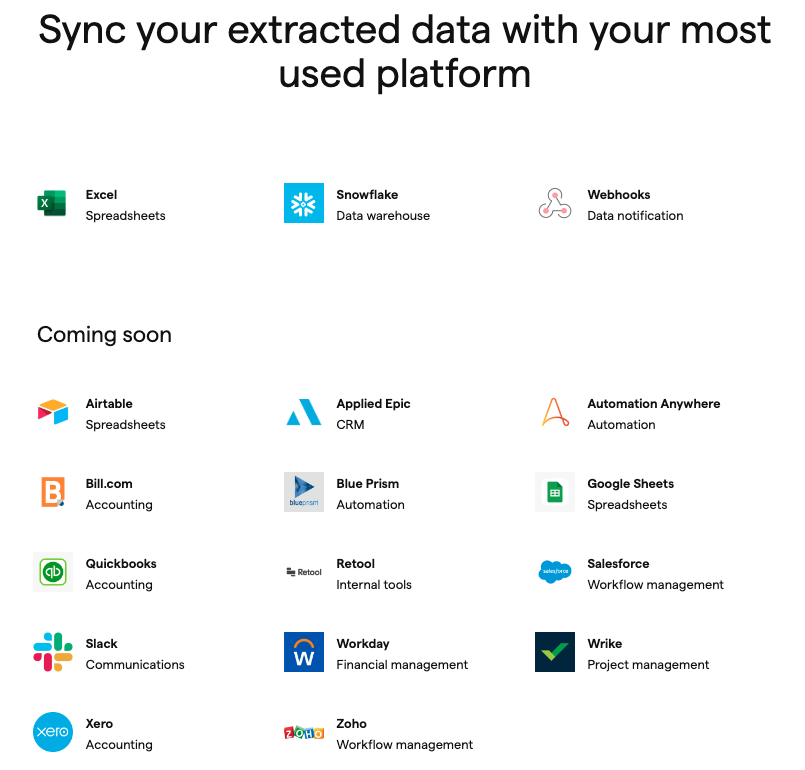
This appears to be a part of an overall $99/month document processing platform, that allows you to train models that allow you to extract data and integrate it with what appears to be mostly accounting platforms.

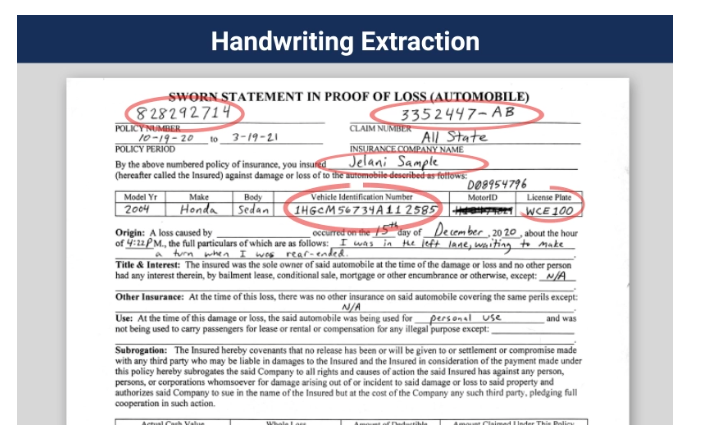
Another service, Ephesoft, appears to offer similar functionality, but also includes handwriting extraction.
https://ephesoft.com/intelligentdocumentprocessing/
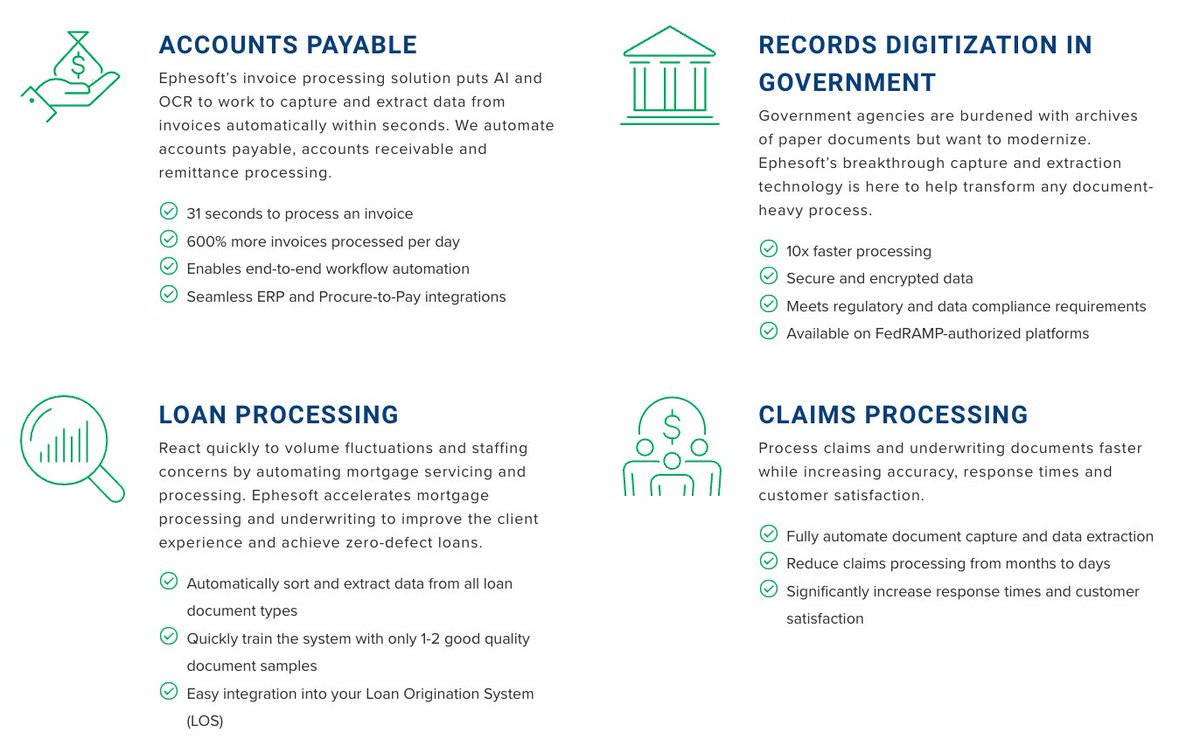
Ephesoft also appears to be geared very much toward the financial industry with loan processing, accounts payable, claims processing, government records digitization, but has some other segments including education and for lack of a better term, “personnel management.”

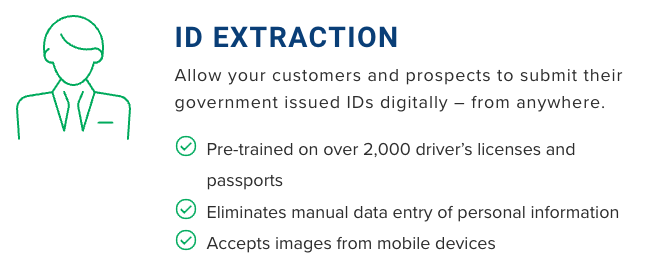
I find this piece of their marketing material curious. 1. Where did they get 2000 drivers’ licenses from? Sketchy! 2. Is 2000 enough of a sample size? 3. Who is this targeted toward? Do non-data scientists care? Just overall kind of a funny thing to put in there!
Here’s another interesting marketing snippet. This tells me it’s a smallish operation, or at least this tool in particular is, because they find it important to make it known that they are up there on a trends list.

Here’s more information on the Everest Group Peak Matrix. Everest Group appears to be a market analysis company, perhaps similar to Gartner.

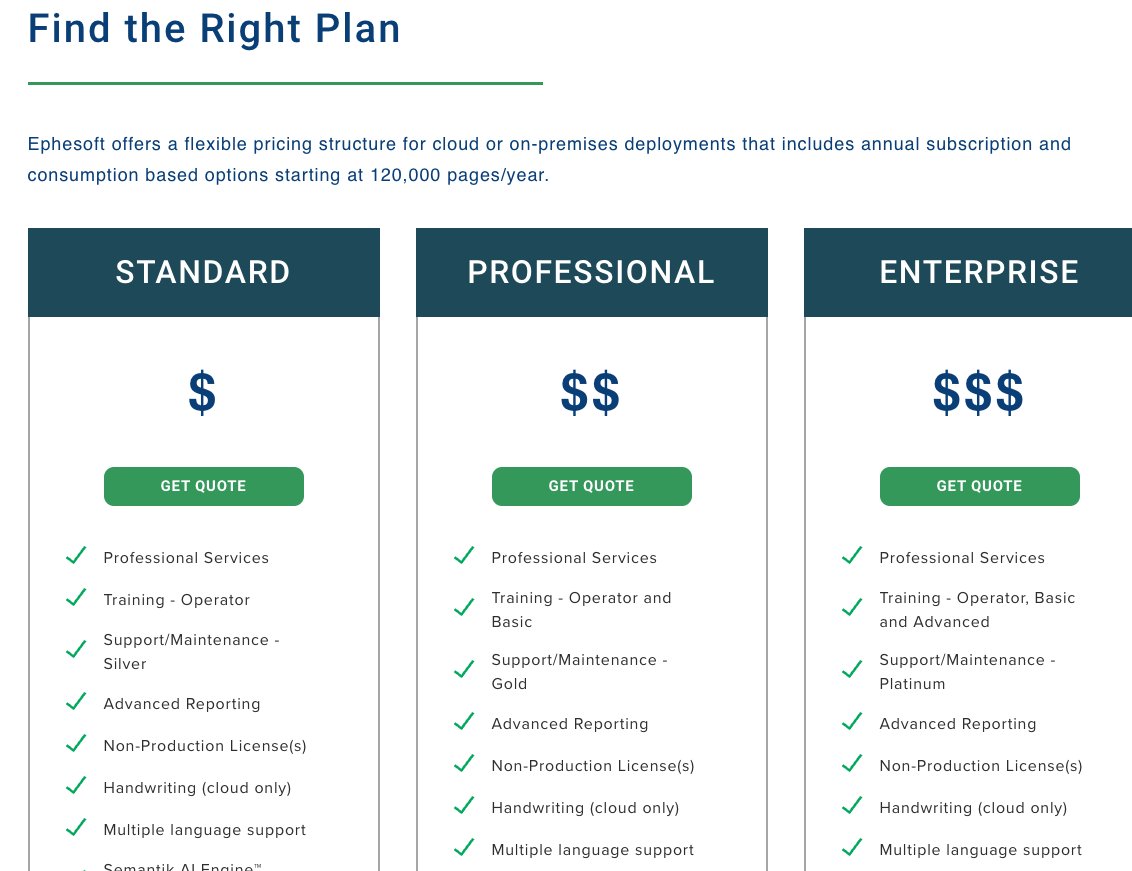
Visiting the pricing page, there is a call for quotes. Ephesoft appears to be much more of a white-glove enterprise service, perhaps even more of a software consulting company with some internal platforms they have built.
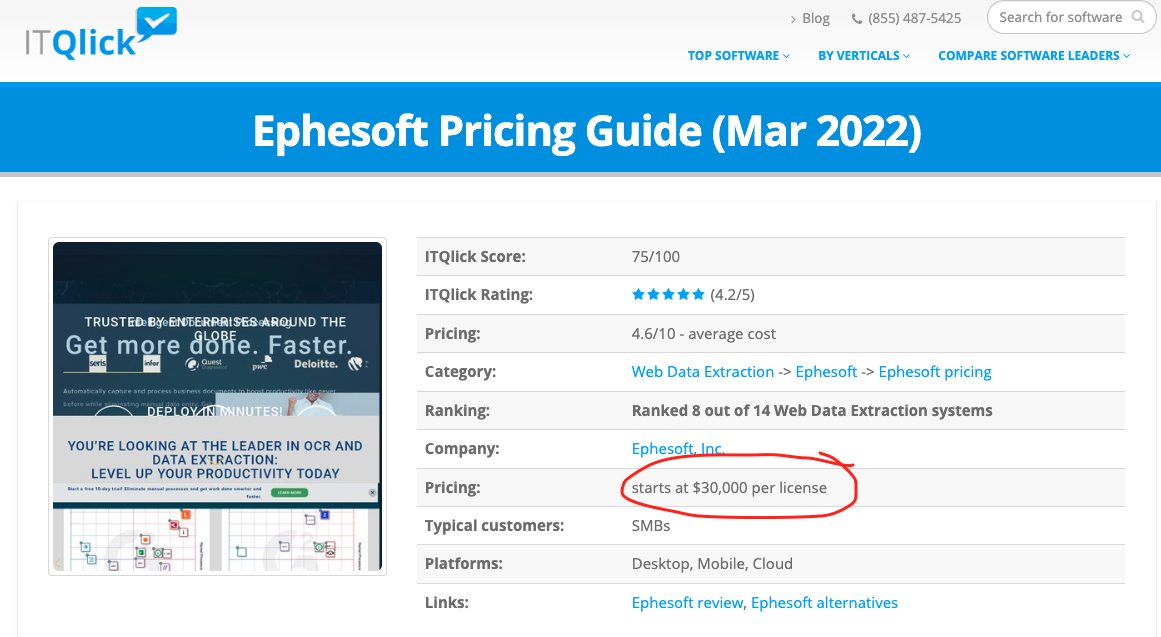
This third party website, ITQlick, which I don’t endorse, claims that a license at Ephesoft starts at $30k. So the basic entry point is the cost of a very low end software developer.
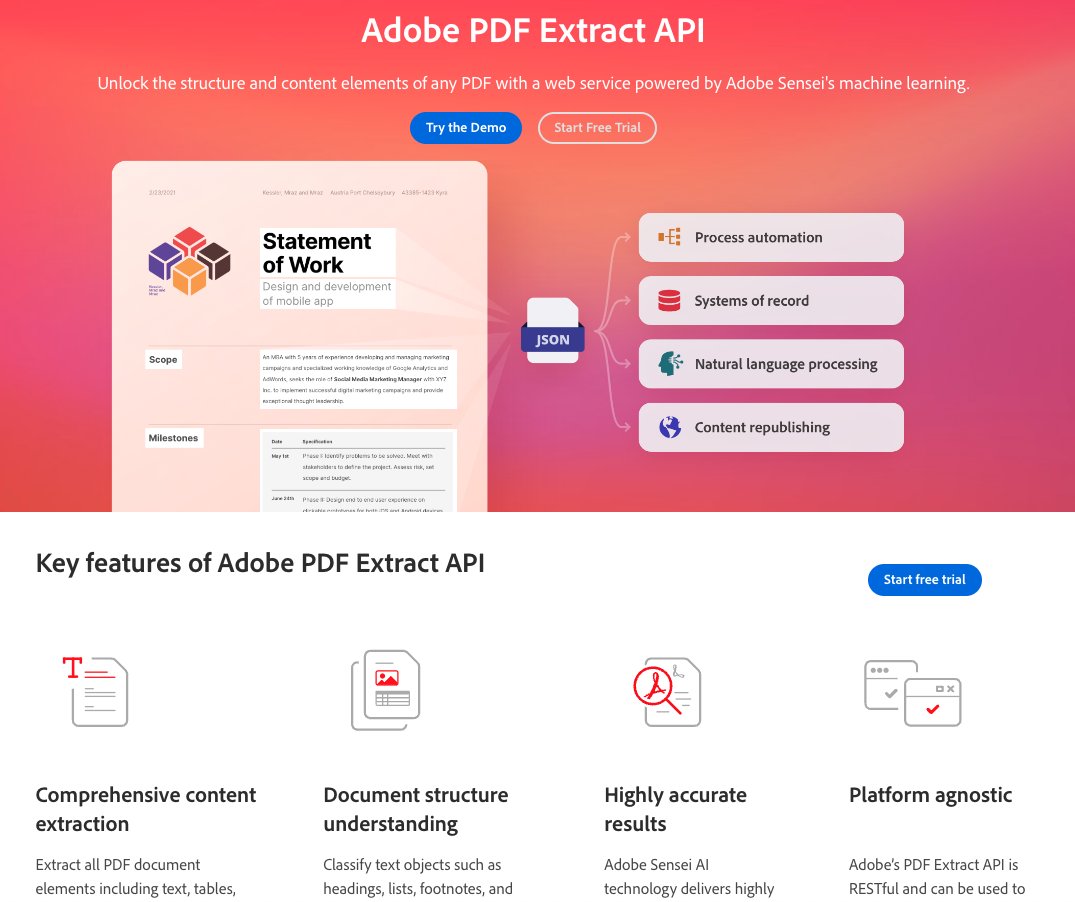
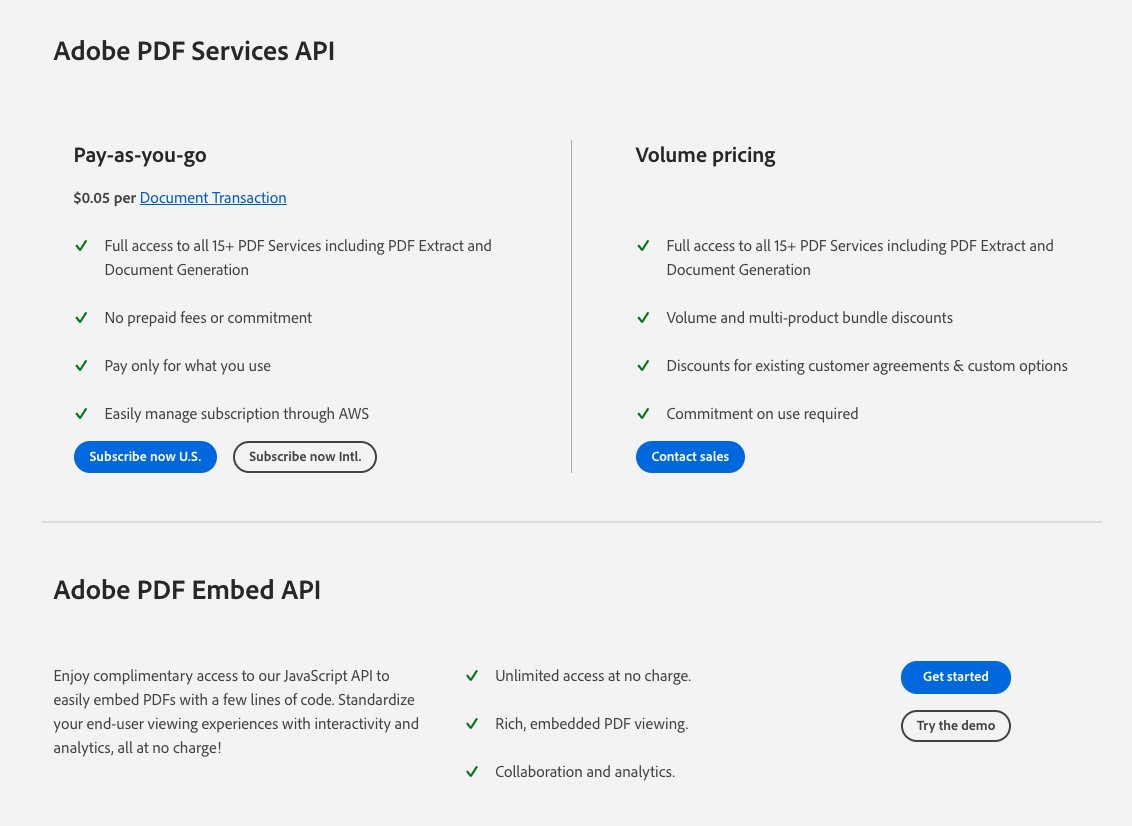
There’s also Adobe PDF Extract API, which evidently allows you to extract text, tables, images within a structured JSON file, and costs $0.05 per transaction.
https://developer.adobe.com/document-services/apis/pdf-extract/
Butler Labs …
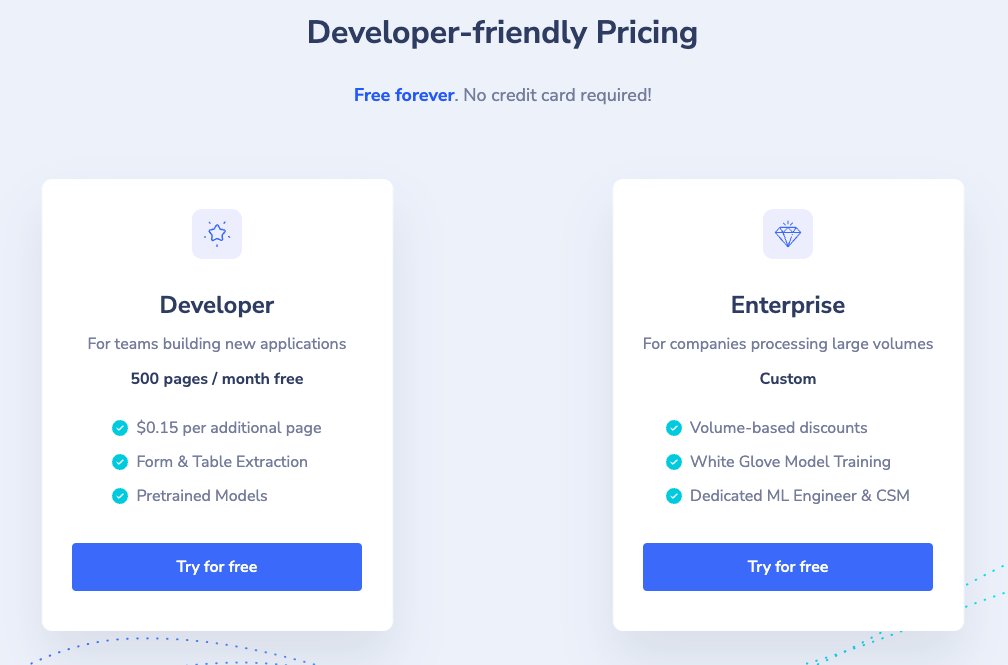
https://www.butlerlabs.ai/pricing/pricing


Then there’s PDF Candy, which lets you just extract text for free, no signup needed, from a PDF. I tested it out on a random chemical safety data sheet.
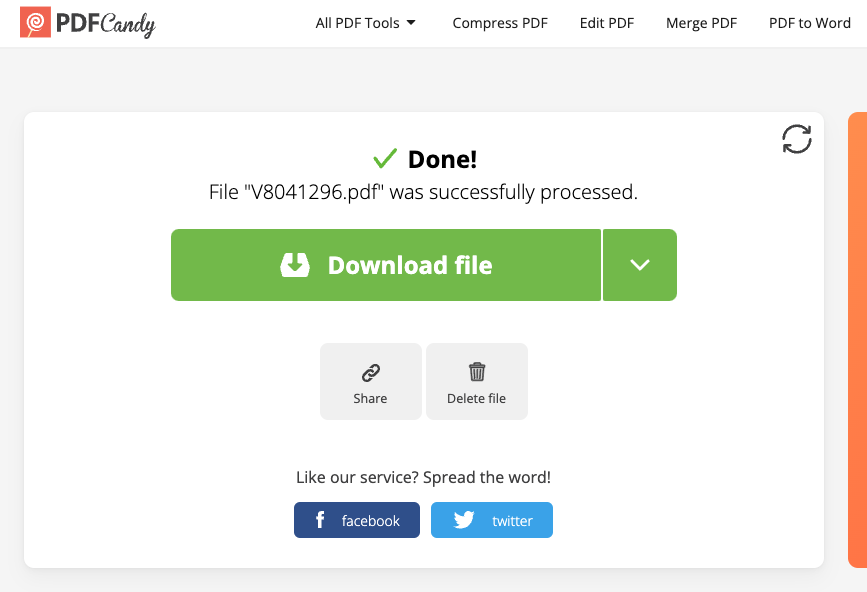
The PDF resulted in a blank text file, so perhaps PDF Candy doesn’t work so well.

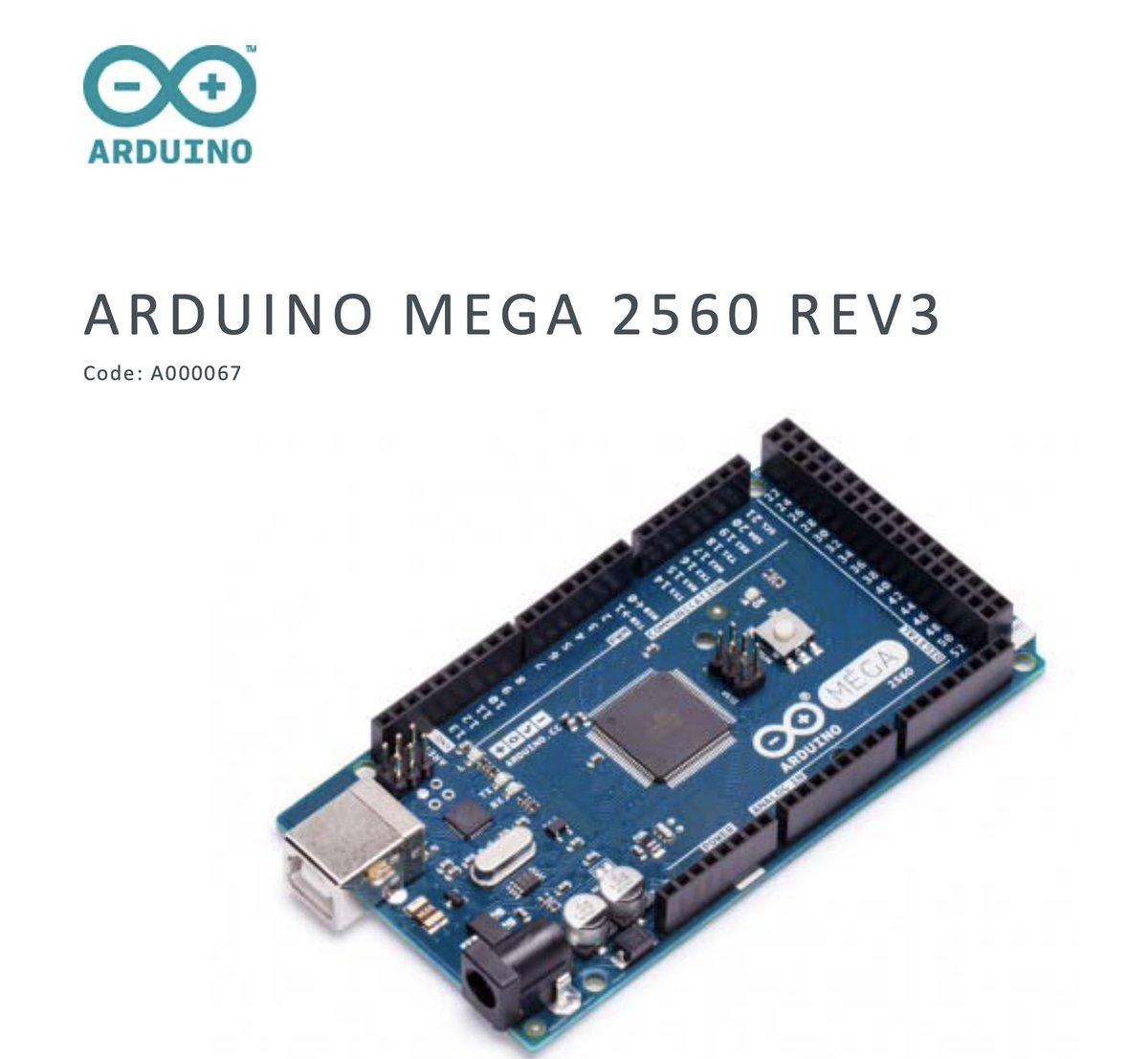
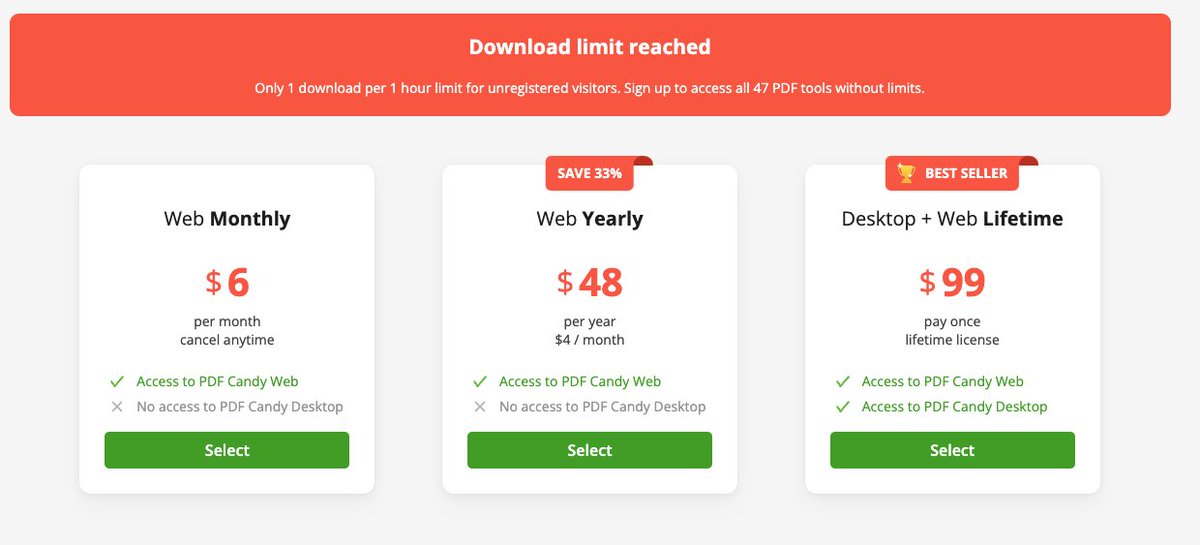
I attempted it again with a PDF datasheet from an Arduino Mega. I reached a download limit from having done the previous PDF, but I was able to get it working by going into incognito mode. This resulted in a perfect conversion to a docx file.

I attempted extracting the same datasheet via
https://tools.pdfforge.org/en/extract-text

Next I tried

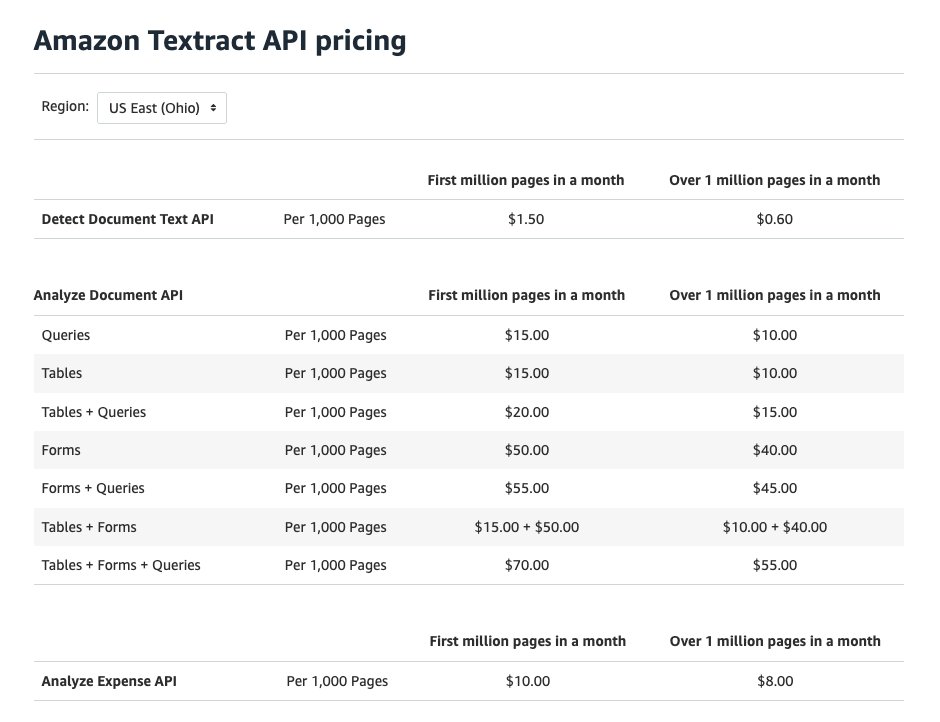
Turns out AWS has a service, perhaps that’s what these other apps are using. AWS Textract … has a text extractor for $1.50/month and a Document Analyze for $15/month on 1k pages, or $0.0015 and $0.015 per page respectively.

There’s a blog post on how to put it together here:
So that’s all well and good if the objective is purely to extract data from PDF’s. But the actual act of extraction is actually only one part of the puzzle, with the other part being perhaps a workflow with error checking.
This is where Apache Airflow could come into play. Airflow has a way to programmatically set up workflows which can include error checking.

So given that, here are some open source tools in addition to the services found above that may help with PDF extraction:
https://github.com/flexpaper/pdf2json
Also from @ankrgyl there’s
https://huggingface.co/spaces/impira/docquery
To get started with experimenting around with some of these API’s or just regular python code to see what it’s like to scrape data from PDF’s, we can create a Docker container with a Jupyter notebook with a dev mode container to isolate and test everything.
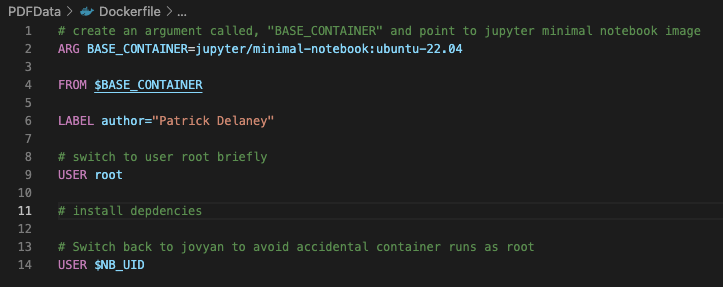

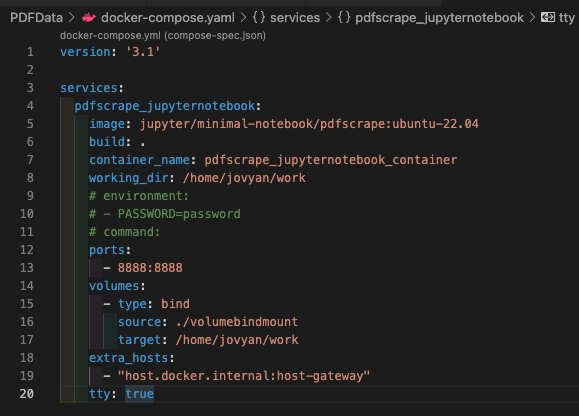
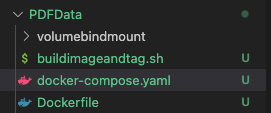
Opening up the notebook, installing PyPDF2, we are able to extract the text, page by page.
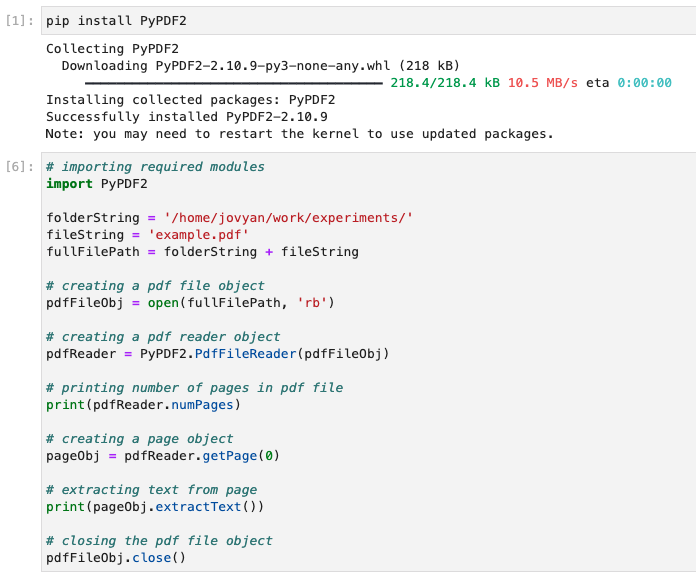

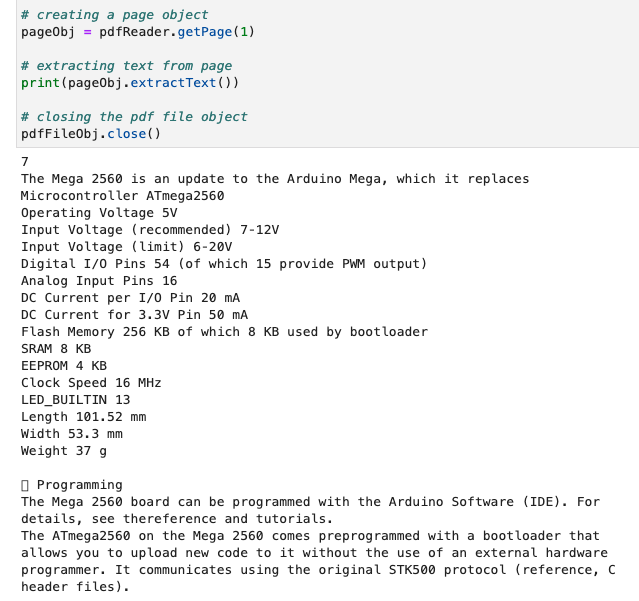
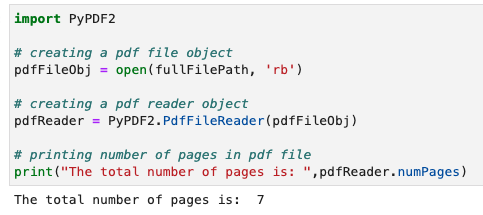
Note that we can also extract the number of pages, so basically iterating through the entire PDF should be fairly easy.
Indeed, here is the code for extracting all of the text from all pages in a PDF, regardless of the number of pages in the document, as well as an accompanying sample of what was extracted.
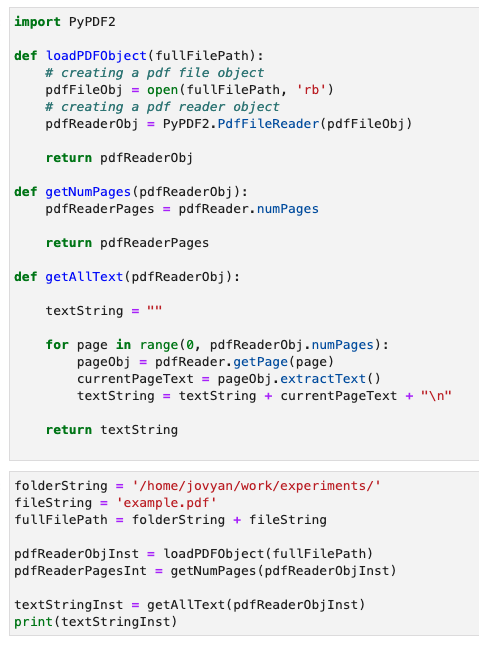
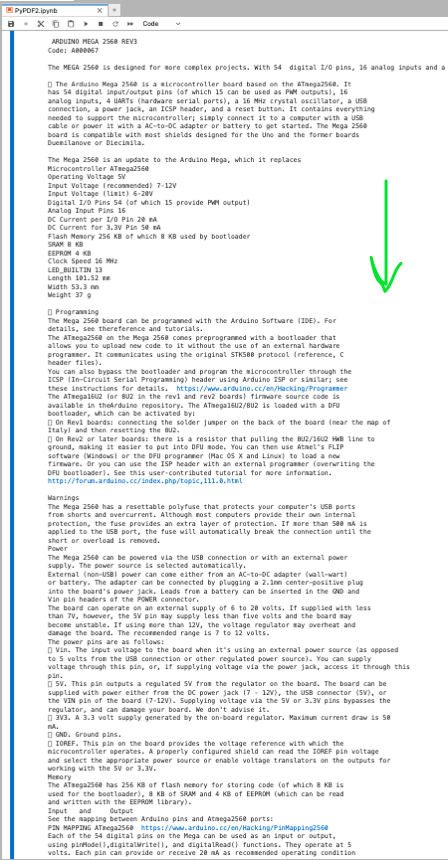
OK, what would be interesting to do next is to compare this vanilla text extraction to AWS textract, and the Azure-based equivalent, Form Recognizer.
https://formrecognizer.appliedai.azure.com/studio?source=acom
In setting up AWS textract on a Jupyter notebook, it became clear that JupyterHub has a set number of Env’s that it allows to be read from the frontend notebook itself, to prevent auth tokens from being passed into the notebooks. Here are the starter envs:
https://jupyterhub.readthedocs.io/en/stable/api/spawner.html#jupyterhub.spawner.Spawner.env_keep
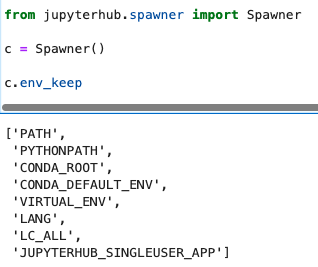
This would be useful for setting API env’s. While we can attempt to add to this list within the notebook with, “`c.env_keep.append(‘ACCESS_KEY’)“` and it appears that the ACCESS_KEY is added, it’s not accessible.

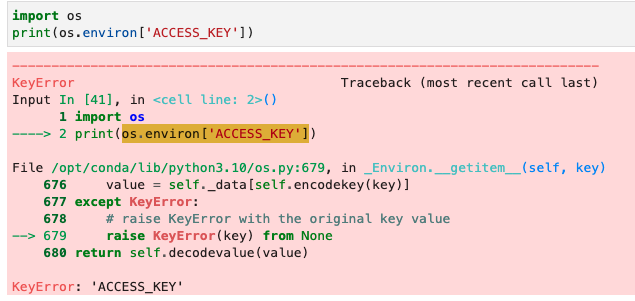
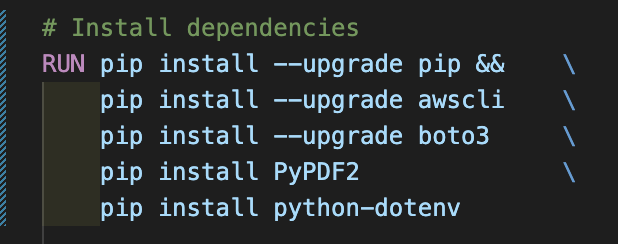
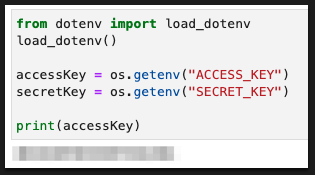
For this reason it’s recommended to install python-dotenv, to basically manage the environmental variables in a .env file, which can be ignored on .gitignore.
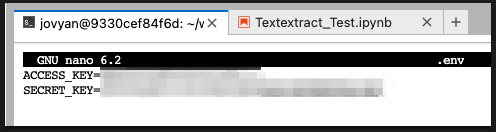
When logged into the container and within the JupyterLab terminal, a .env file can be created and viewed with “`ls -a“` and modified with “`nano .env“` – here all of the desired environmental secrets can be placed.

The absolute location of said .env file can be identified and then loaded right within the notebook as shown, using the linemagic functions which start with the %


One minor correction from above, the .env file must contain the env items in double quotes with spaces between the equals sign. Once the env’s are loaded by dotenv, they can be accessed with os.getenv() as shown below.

Side track – here’s an interesting article on document AI in general:
Incidentally, here’s another use case for text extraction, which combines Optical Character Recognition (OCR) with text extraction to ensure a minimal number of errors between forms and data.
https://globalvision.co/industries/agency/